


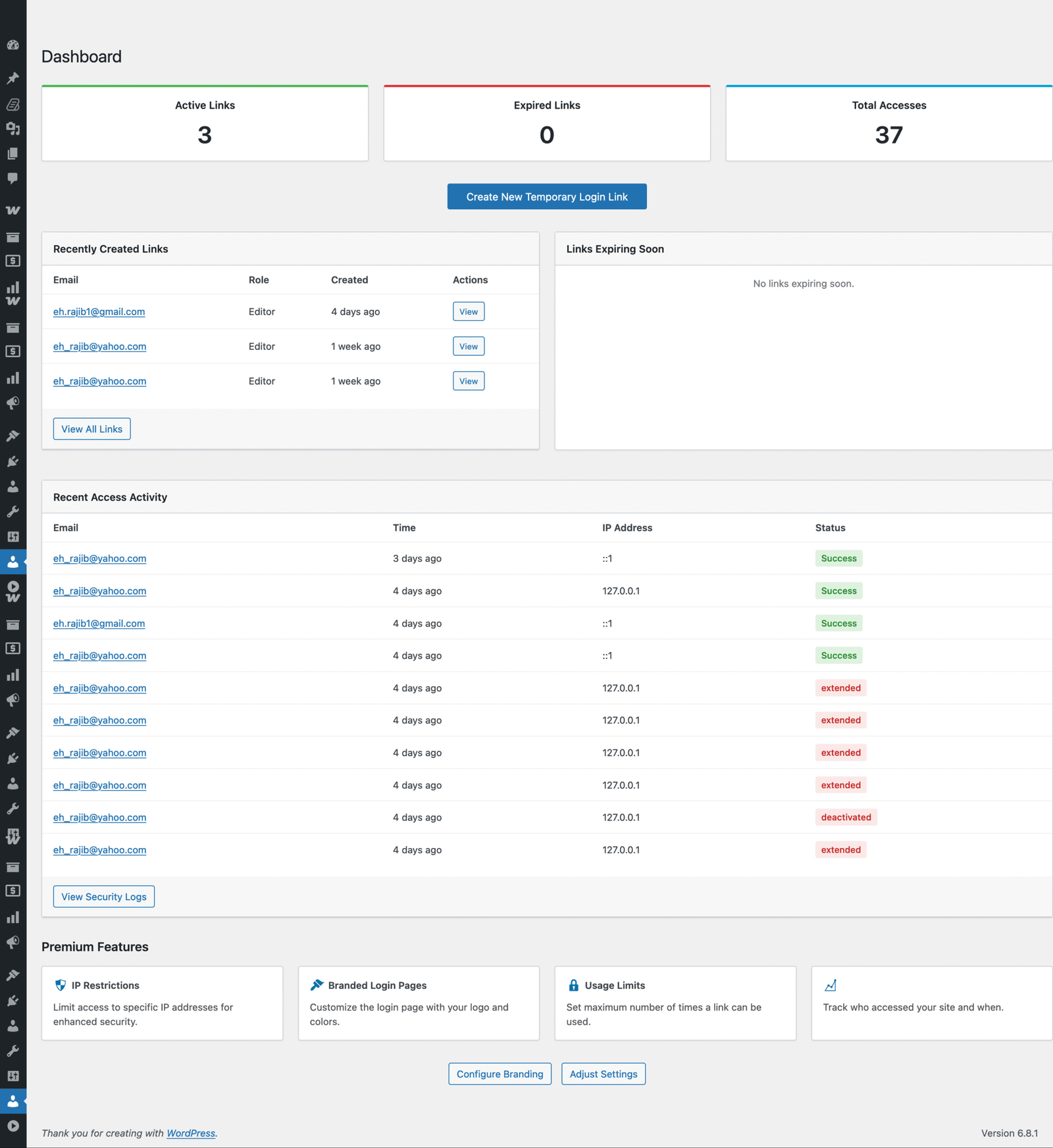

Trusted by freelancers, agencies, and developers who need to grant secure, limited-time access to WordPress admin — professionally and effortlessly.
No Passwords, No Hassle – Generate expiring login links in seconds.
Complete Control – Limit access by time, IP, or number of uses.
Professional Branding – Customize login pages and emails to match your brand.
Advanced Security Logs – Monitor who accessed your site, when, and how.
Frontend Shortcodes – Let clients or teammates generate their own links (if you allow).
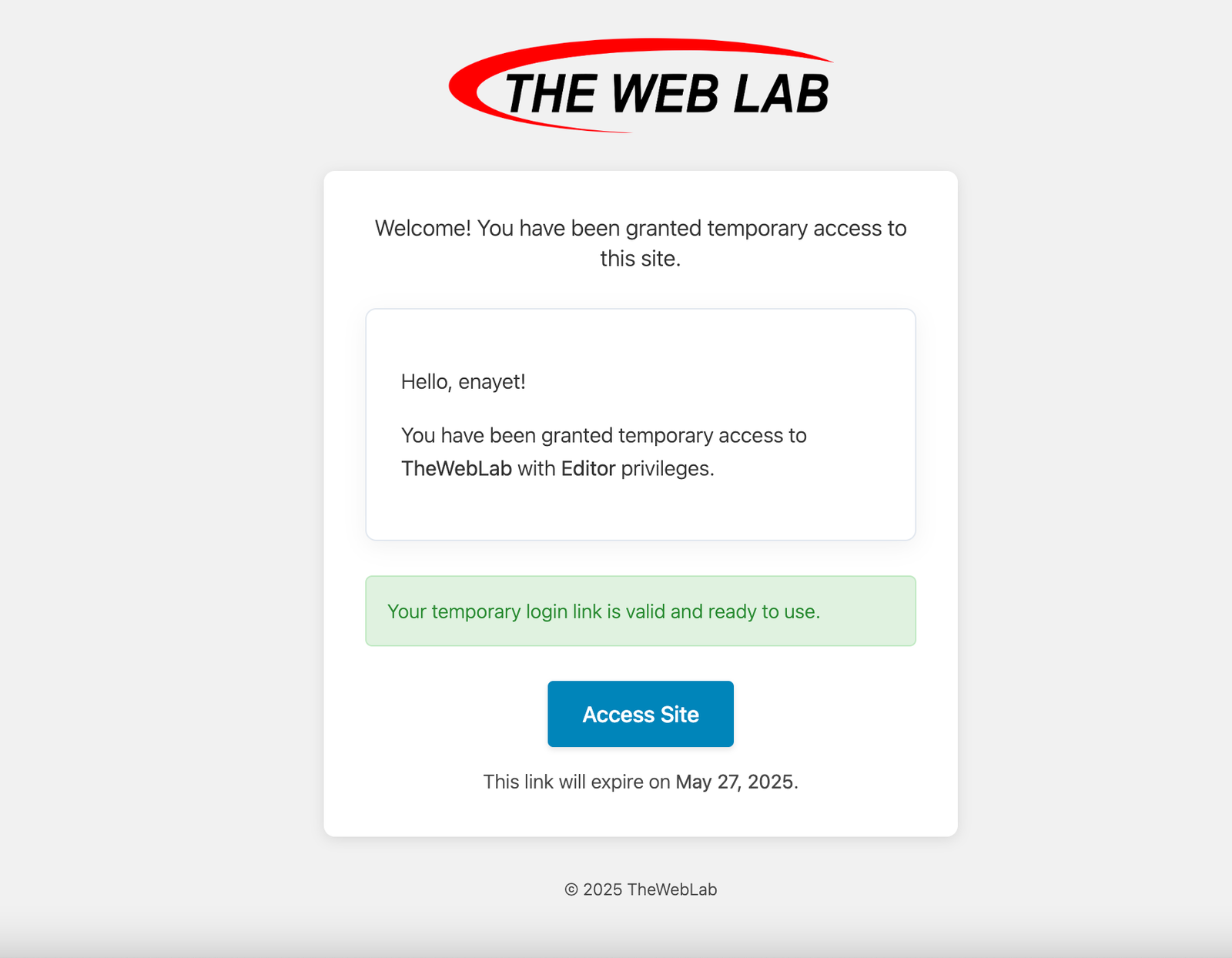
Use case: Perfect for developers, support staff, or content collaborators who need quick, limited access.
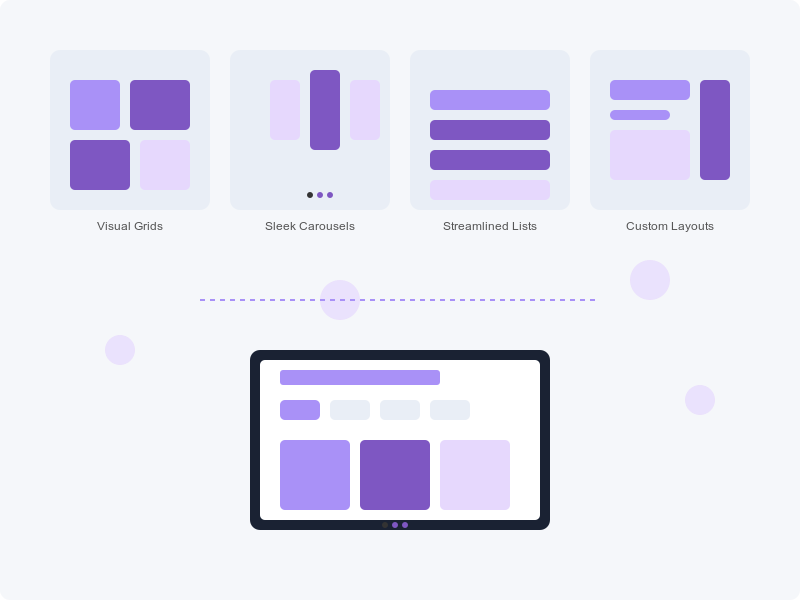
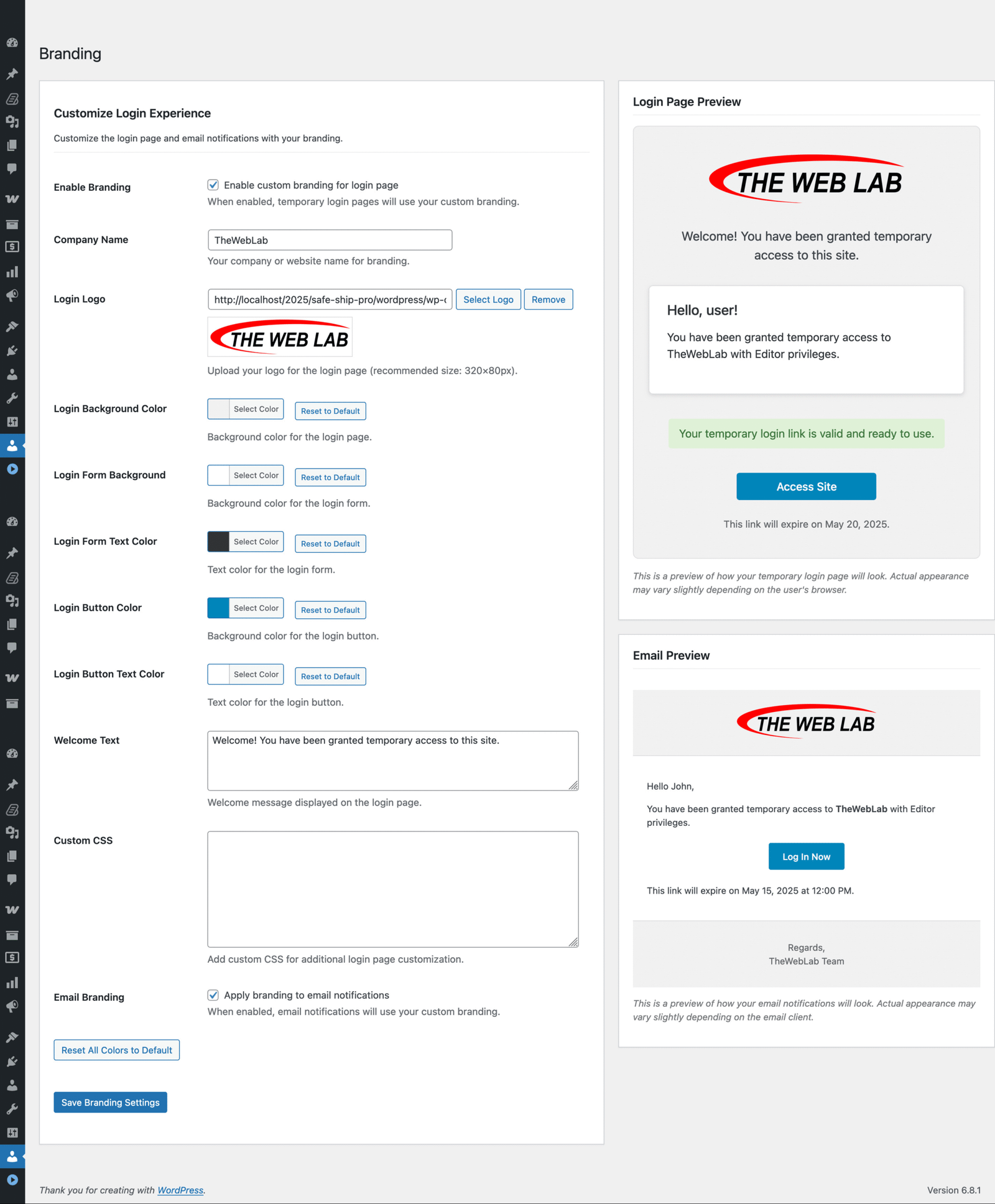
Branded custom login screens deliver a polished user journey from start to finish.
Stay protected with:
Get instant alerts on suspicious activity and maintain peace of mind.
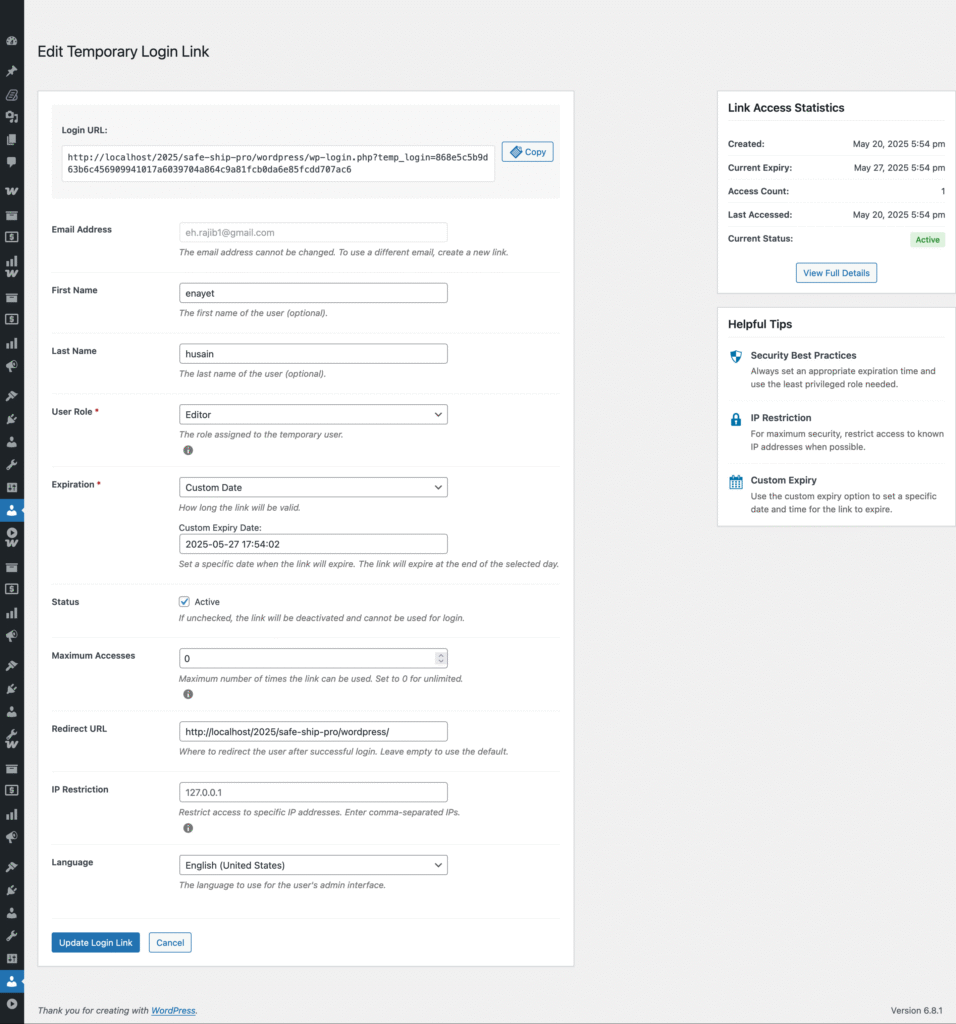
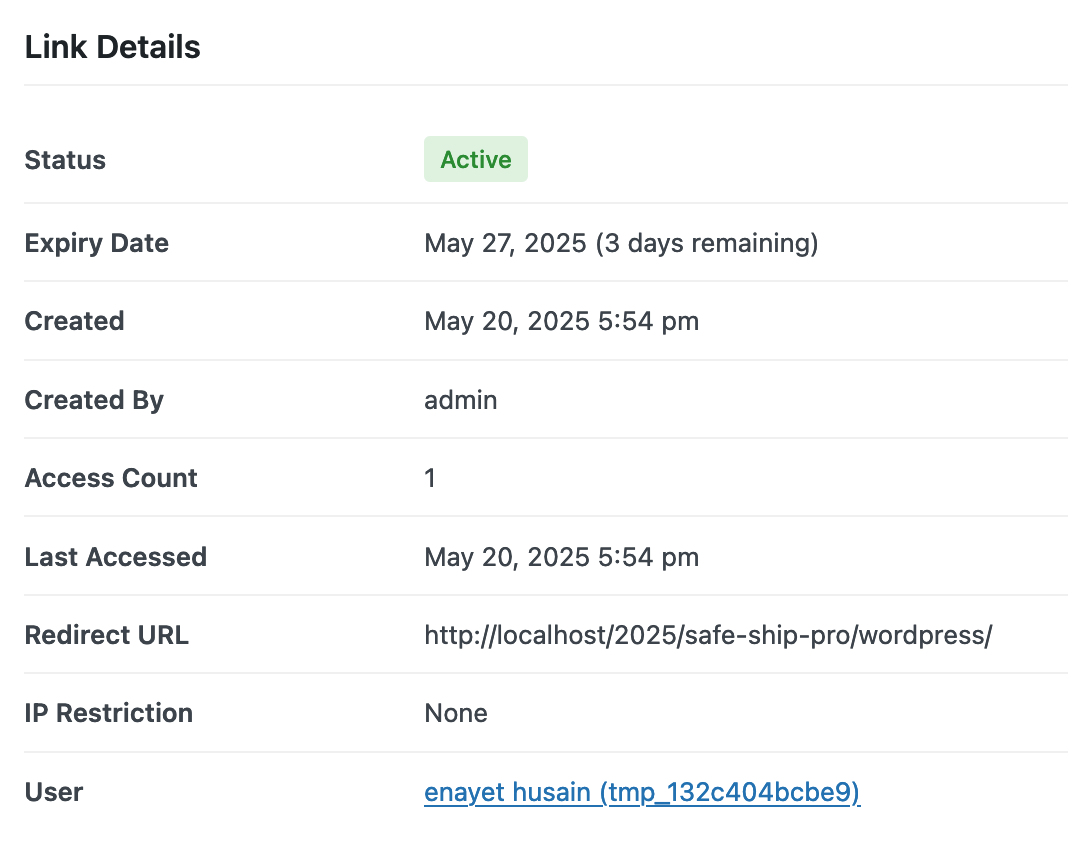
Easily manage all temporary users:
Designed for agencies handling dozens of links or multiple clients.

Use shortcodes to let users:
Great for membership sites, editorial workflows, or handing over dashboards to clients temporarily.
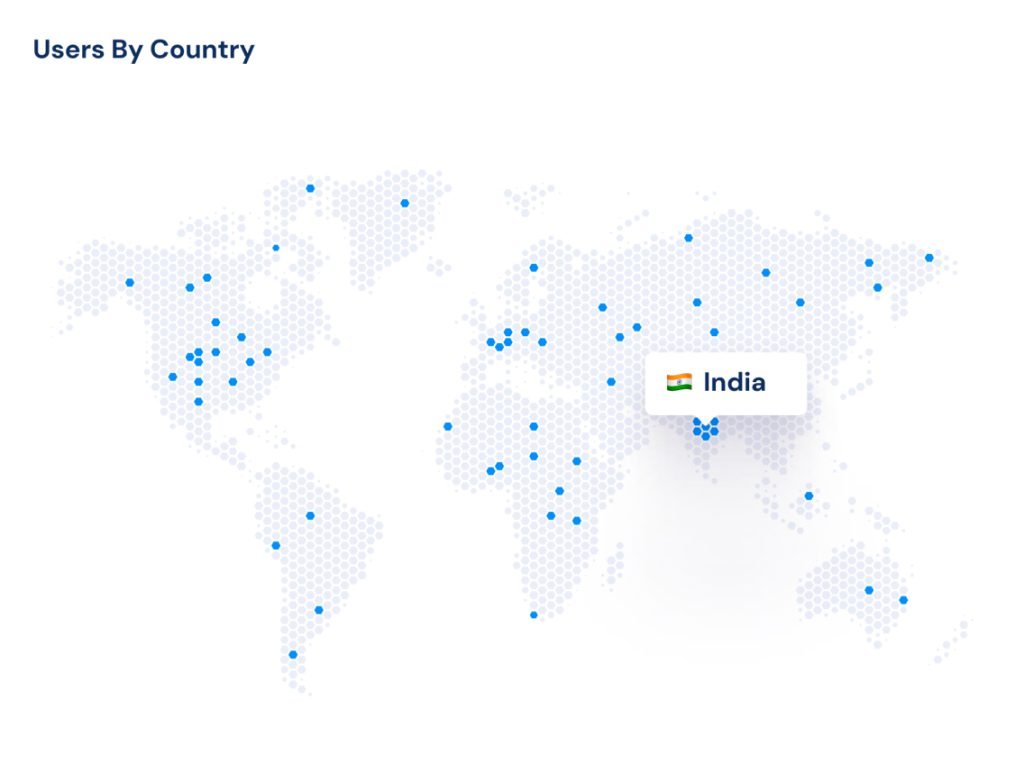
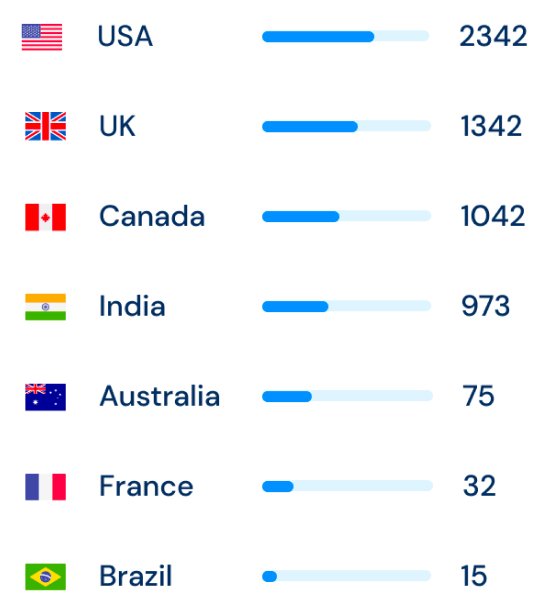
Freelancers — Hand off admin access without compromising security.
Agencies — Customize the experience and manage multiple clients with ease.
Developers — Quickly create access for support or debugging.
WooCommerce Stores — Grant vendors or temporary staff secure backend access.
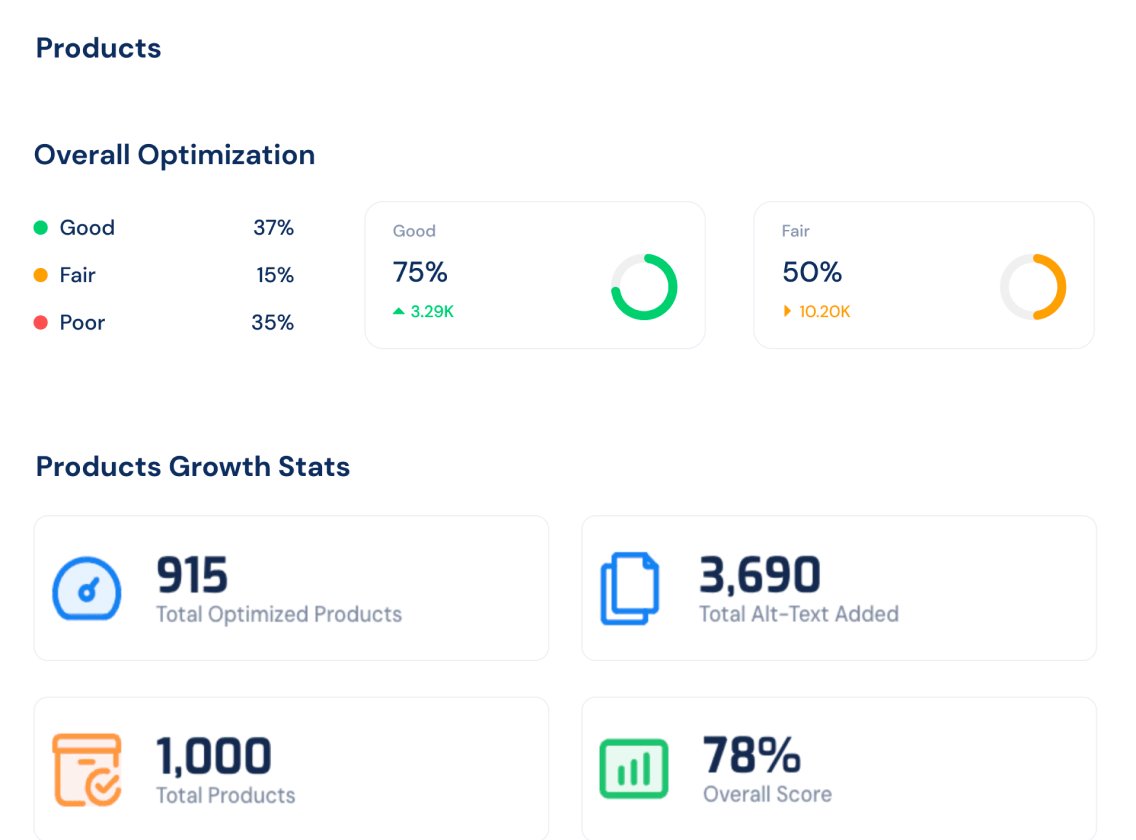
Laura
Agency Owner
This plugin saved us hours every week managing client access. The branded login made us look like pros.
Mike
Freelance Developer
I used to worry about deleting temp users. Now the plugin does it for me!
Sophie
WooCommerce Site Admin
Security and branding in one — it’s the complete package.
Mark T.
Electronics Retailer
Finally, a WooCommerce plugin that matches Shopify’s recommendation engine!
Yes, it follows WP best practices and works with most modern themes/plugins.
Any default or custom role — you choose when generating the link.
es! You can enable auto-cleanup so expired users are removed without manual action.
Absolutely. You can use it across multiple sites — perfect for agencies.
Yes. Premium users get priority email support from our developer team.
Secure, branded, and customizable temporary login links for WordPress. Grant limited-time admin access without sharing passwords or creating user accounts.
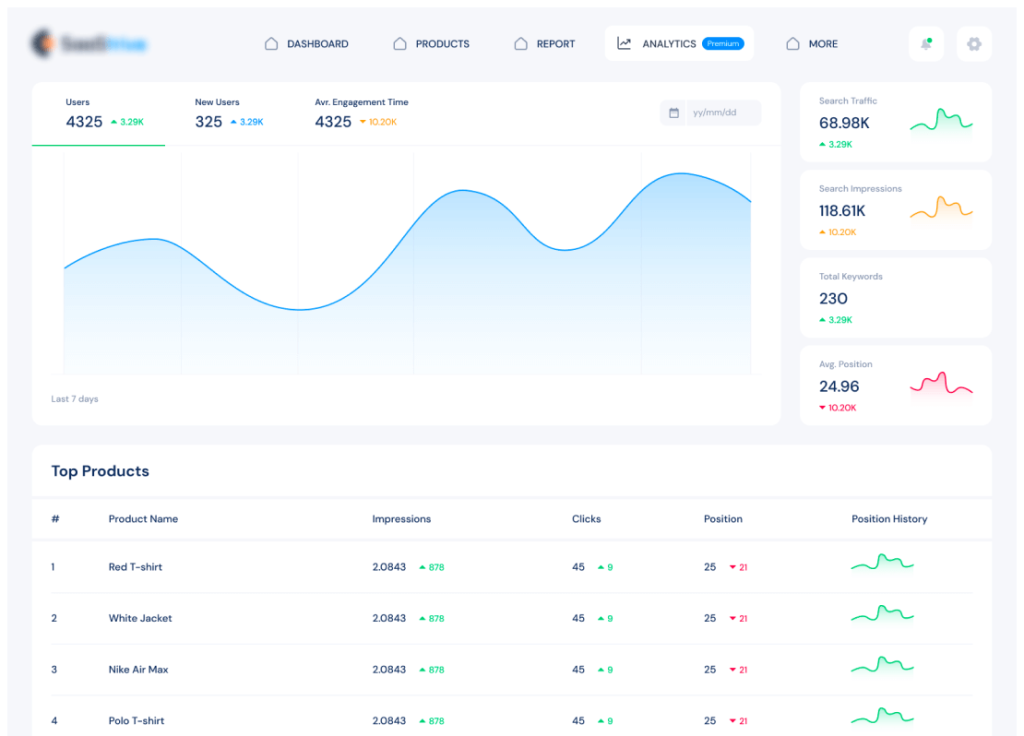

TheWebLab crafts high-performing WordPress solutions for small to mid-sized businesses. From plugins to full websites — we build with purpose, passion, and precision.
© 2026 TheWebLab. All rights reserved.
Built with ❤️ by TheWebLab.